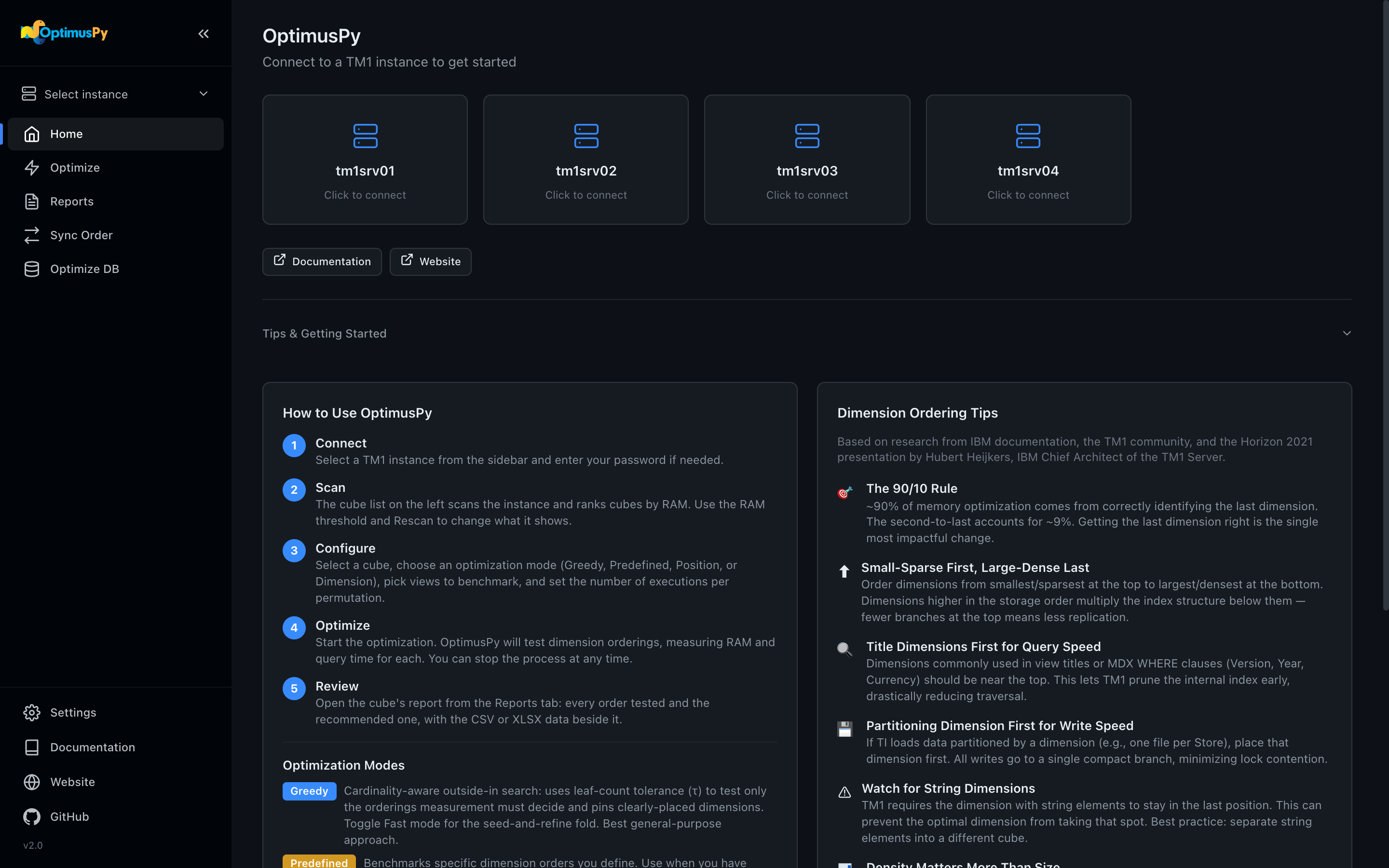
- Open the UI. Double-click the executable, or run
optimuspy ui. It opens athttp://127.0.0.1:8765. - Add your server. Copy
config/config.ini.exampletoconfig/config.iniand fill inaddress,port,user,passwordandssl. If you already keep aconfig.inifor RushTI or your scripts, link it on the Settings page instead. See TM1 Connection for every parameter. - Pick a cube. Choose the instance in the sidebar. The Optimize page lists the biggest cubes, up to 60% of the instance's memory (move the RAM Threshold slider to see more); click one.
- Run it. On Configure, keep Greedy, pick a view and click Save & Start Optimization. When it ends, open the HTML report from the cube's Reports tab.
The full walkthrough, in the UI and on the command line, is in the User Guide: Your First Optimization →